Brekel OpenVR Recorder
Motion capture with VR headsets, controllers and trackers via SteamVR / OpenVR
Works with MotionBuilder
Brekel OpenVR Recorder is a Windows application that records tracking data from VR devices with OpenVR / SteamVR drivers: headsets, controllers and trackers from Valve Index, HTC Vive, Meta (Oculus) and other SteamVR-compatible systems and devices. It captures position and rotation, plus buttons, axes and finger data where available, in real time, and exports to FBX, TXT and CSV. The accuracy and high framerates of VR hardware make it useful for 3D animation, VFX production, research, or recording play-tests of VR games and experiences.
Supported devices are whatever SteamVR tracks: headsets, controllers, Vive Trackers and other tracked devices, SlimeVR trackers included. Finger data is accurate on Valve Index and Vive Knuckles controllers and approximate on the rest. Depth sensors are a different app: those are Body and PointCloud.
The app has been around since 2017 and is still maintained; the latest version added plugins for MotionBuilder 2024 through 2026. Updates are free with a license.
Installs like any other app. No subscription, no cloud processing, no login. All data stays on your machine.
Windows 10 / 11 (64-bit) · from $149 (excl tax)
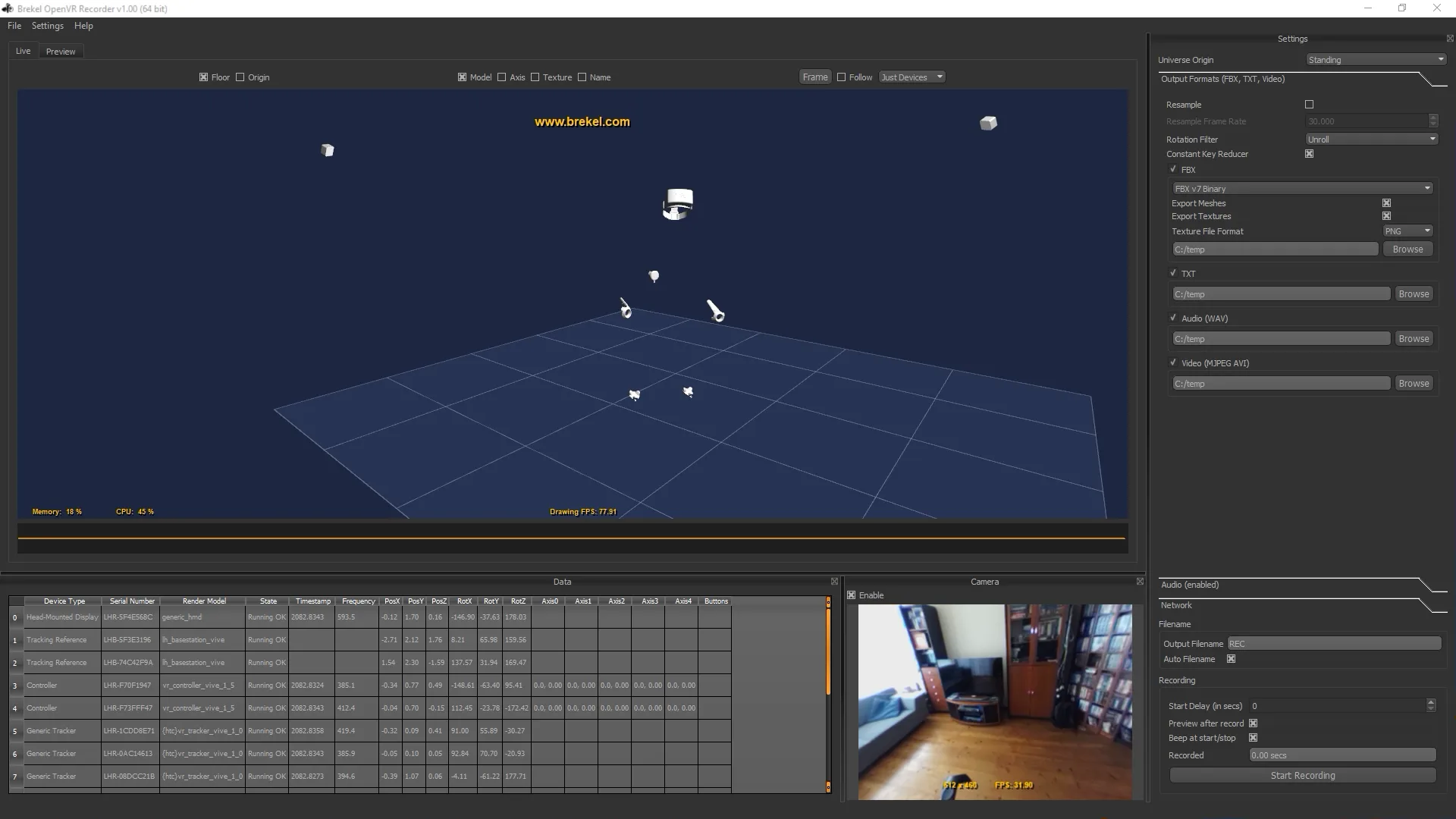
Devices and recording
It records any device SteamVR can track, and multiple devices at the same time. It can run alongside your VR game or experience and record in the background. What it needs is what you already have for VR: a system with OpenVR / SteamVR drivers, and SteamVR itself installed, which the app starts automatically if it is not already running.
- Works in real time, no offline processing
- Finger data for Valve Index / Vive Knuckles controllers; other controllers produce rough finger poses
- Devices are tracked at high framerates (300 or more frames per second, depending on the device), with optional resampling to a fixed frame rate like 24, 25, 30, 50 or 60 fps
- Start/stop recording and change basic output settings from inside VR via an overlay panel
- Recording can be synced between multiple Brekel apps on the same machine or across machines on the same network
- Virtual cameras can be attached to any device, visualized in the 3D viewport and exported to the output files
- A global offset (with snap-to-device) places the origin wherever you need it
- Can be set up to run without a headset for controller/tracker-only capture (somewhat experimental, SteamVR may show warnings)
Export
Recordings export to FBX (compatible with almost all 3D apps), TXT and CSV, with rotations as Euler angles or quaternions for TXT and CSV. BVH is not supported, the format is not suitable for storing data from HMDs, controllers and trackers. Audio records in sync from any source, including the headset microphone, saved as WAV. On headsets with an accessible camera (like the original HTC Vive) video from that camera can be recorded too.
Live streaming
The app comes with plugins for Autodesk MotionBuilder (up to 2026) for live streaming and recording directly in MotionBuilder. Device data can also stream over OSC (Open Sound Control) to other apps, as positions plus Euler angles or quaternions.
Licensing
The free trial is the full application with two limits: recording and exporting stop at 10 seconds, and live streaming into MotionBuilder and over OSC is disabled. Every device type, the in-VR overlay and all three export formats work, so you can check the data against your own hardware before buying.
A license is perpetual: it never expires and updates are free. There is no maintenance plan for OpenVR Recorder. How trials, evaluations and licenses work in general: see licensing.
Videos
More videos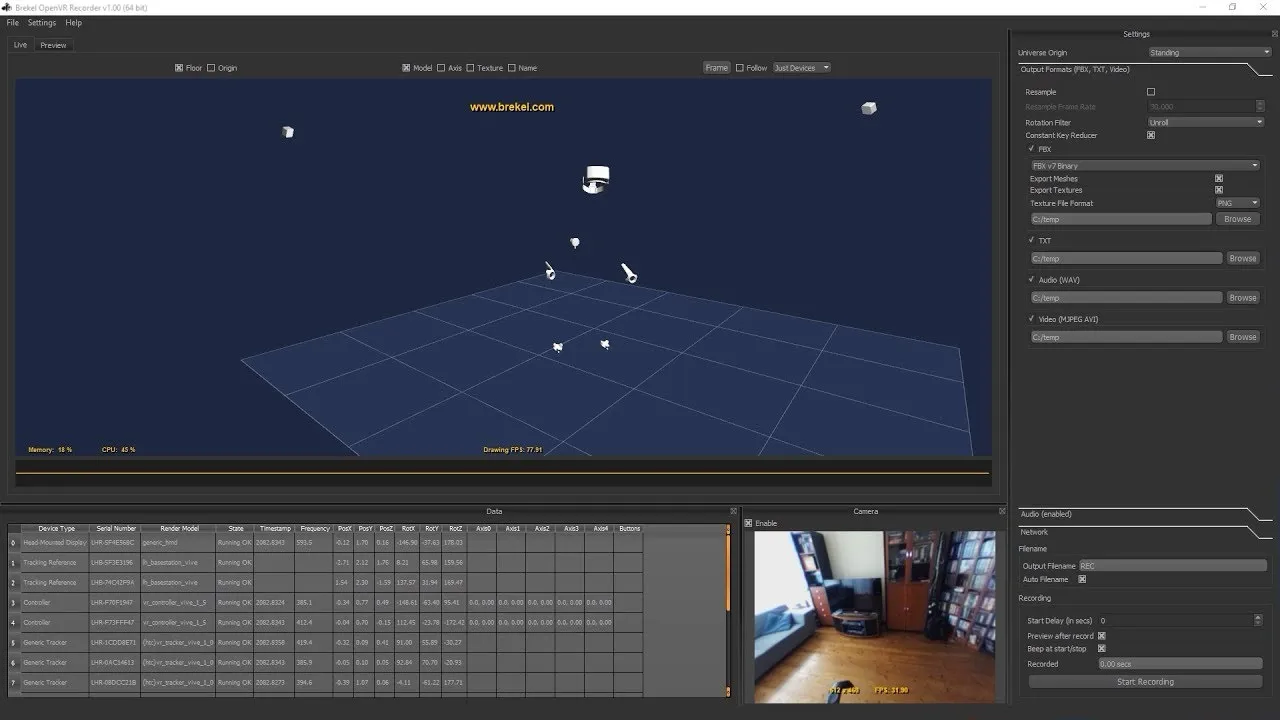
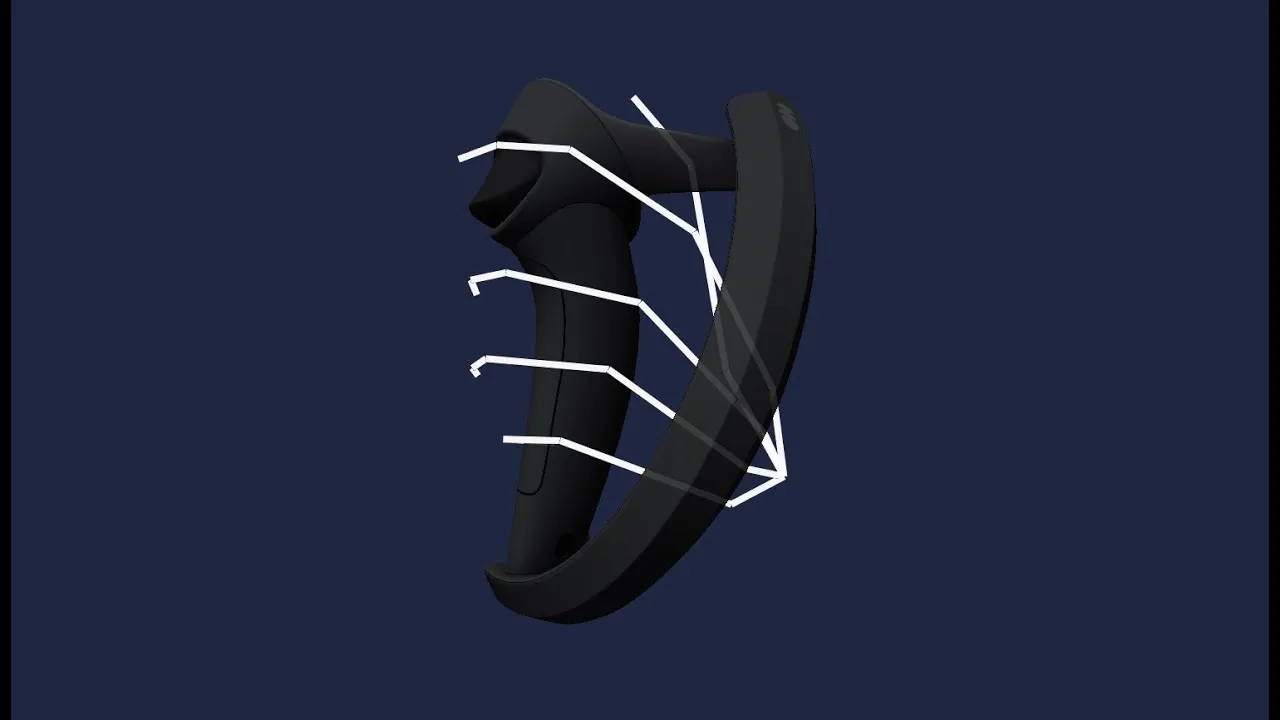
Supported sensors
- Headsets (HMDs)
- Controllers, including finger data (accurate on Valve Index / Vive Knuckles, approximate on other controllers)
- Vive Trackers and other tracked devices (SlimeVR trackers work too)
- If your device shows up in SteamVR it also works with this app
Exports
- Recording: FBX, TXT, CSV, WAV
Requirements
- Windows 10 / 11 (64-bit)
- SteamVR must be installed; the app starts it automatically if it is not running
- A VR system with OpenVR / SteamVR drivers
Trial / Buy
Free trial
Trial restrictions Limited to 10 seconds of recording and exporting, no live streaming into MotionBuilder or over OSC.
The documentation PDF ships inside the installer, and is also a separate download (zip).
Buy a license
- License $149 Shop
prices excl tax · perpetual license · free updates
How licensing works (trials, evaluation licenses, delivery).