Brekel MeshCache Studio
Review, annotate, compare and convert animated mesh cache sequences
Brekel MeshCache Studio is a viewer and conversion tool for animated 3D mesh sequences (mesh caches), for Windows and macOS. It reads and writes Alembic (.abc), OBJ sequences, PLY, USD (.usd/.usda/.usdc), PC2 and MDD, with both fixed and varying topology supported. Drop in a file and it plays back immediately, with GPU-accelerated rendering, review and annotation tools, and export options, without the overhead of a full DCC application.
It needs a Direct3D 11 capable graphics card on Windows or Metal on macOS, and 4 GB of RAM at a minimum, though 16 GB or more is the difference between comfortable and not on large sequences. Loading a sequence is disk-bound, so an SSD makes a noticeable difference.
Installs like any other app. No subscription, no cloud processing, no login. All data stays on your machine.
Windows 10 / 11 (64-bit) · from $99 (excl tax)
Playback
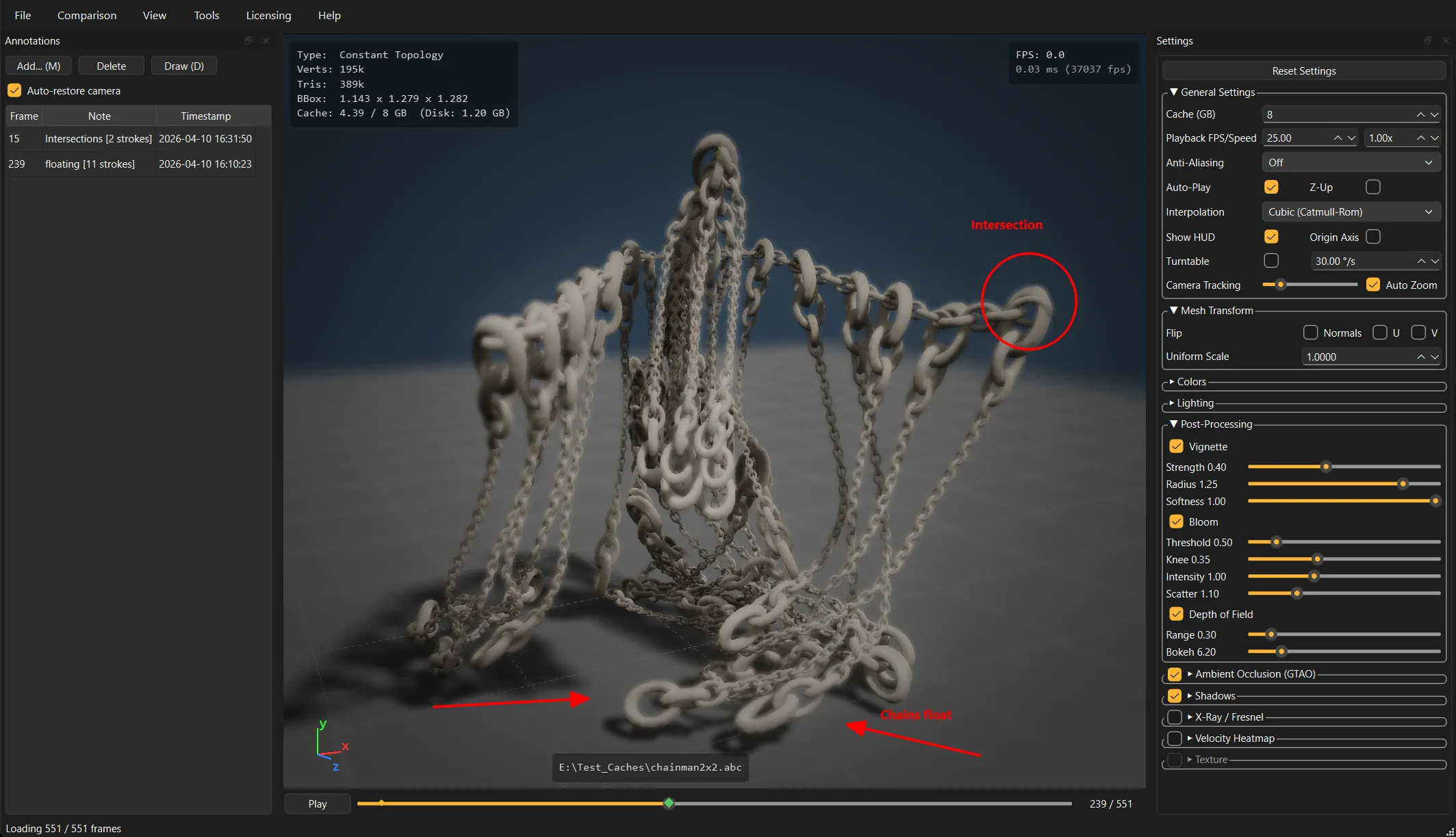
Drag and drop a file to view it. The app auto-detects numbered sequences from a single file, caches frames intelligently, and gives you frame stepping, timeline scrubbing and playback speeds from 0.01x to 10x. On fixed-topology sequences, linear or Catmull-Rom interpolation keeps slow motion smooth between frames.
Visualization
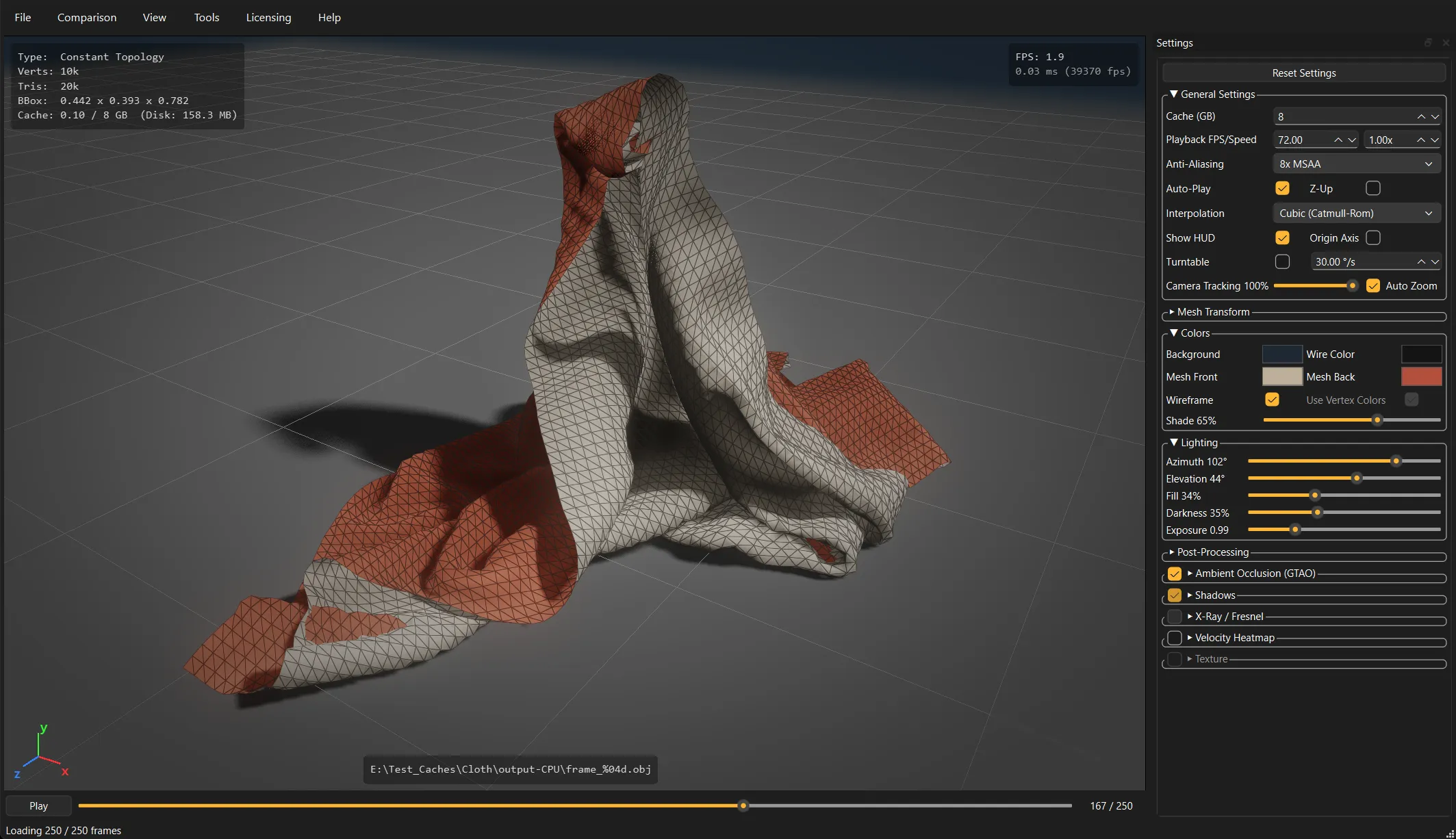
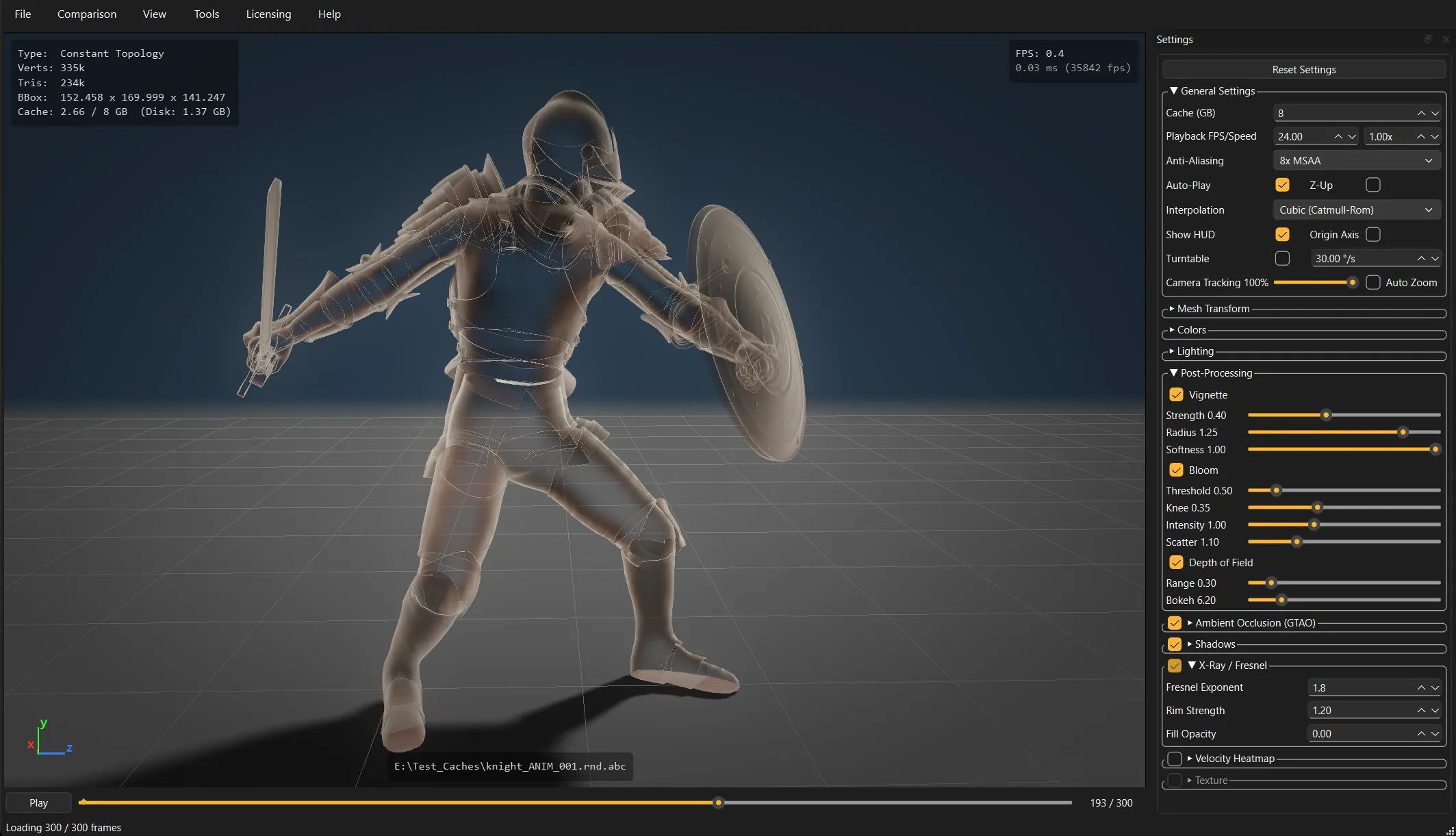
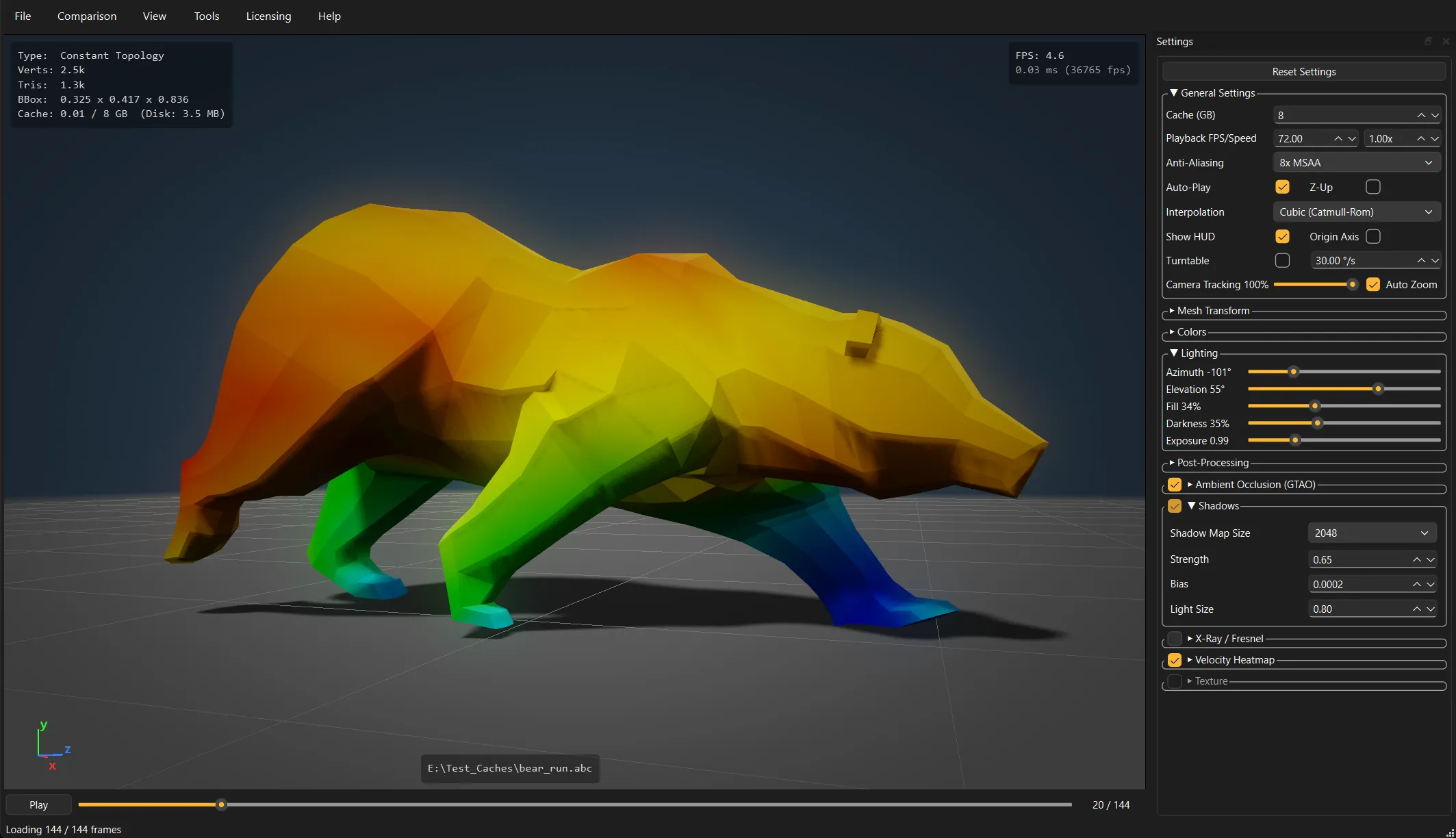
The 3D viewport renders with ambient occlusion, soft shadows, wireframe overlay, X-Ray/Fresnel see-through mode and a velocity heatmap that shows which vertices move the most per frame. Post effects include HDR/ACES tonemapping with bloom, depth of field and vignette, screen-space motion blur, and onion-skin ghost trails for checking motion arcs.
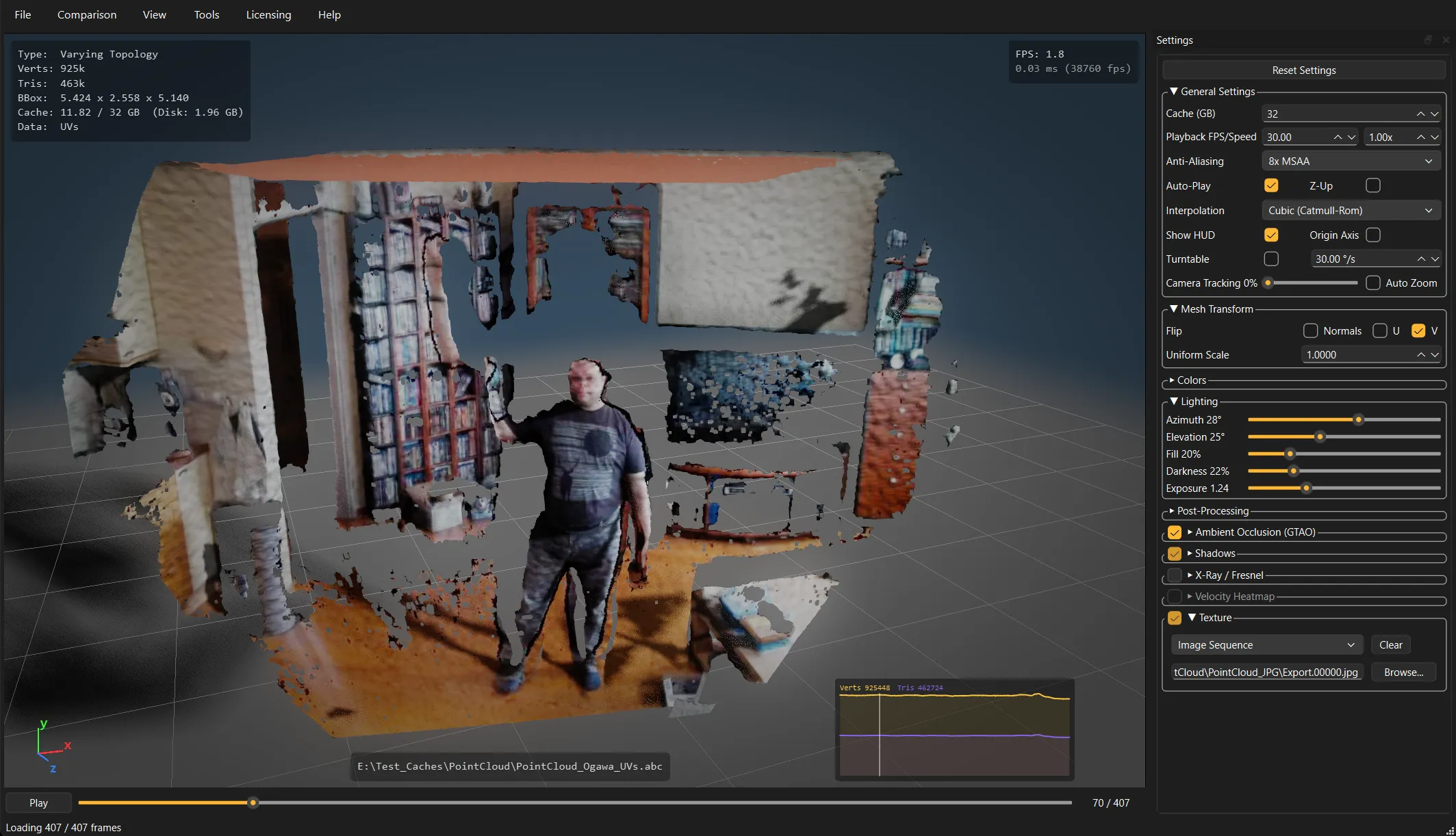
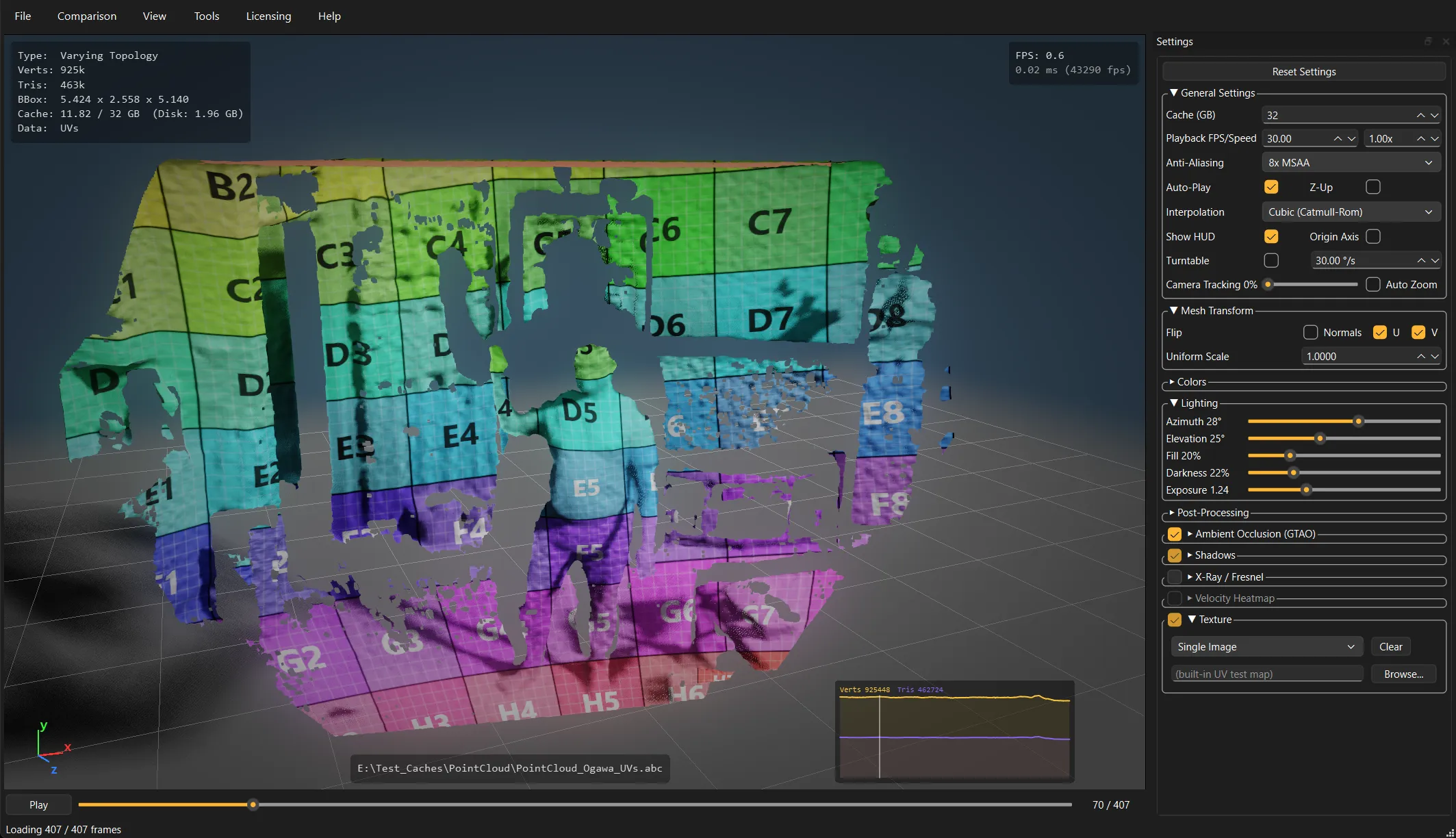
Per-vertex colors and UV-mapped textures display when the file contains them, with a built-in grid texture, custom static texture, image sequence or video as texture options. A HUD overlay shows frame number, FPS, vertex/triangle counts and bounding box, and the viewport can switch between Y-up and Z-up.
Annotation and comparison
Add text notes and drawings (pen, arrows, circles, rectangles, text labels) to specific frames; the camera position is saved per annotation and restored when you navigate back to it. Annotated frames export as a PDF or PNG contact sheet for sharing review feedback.
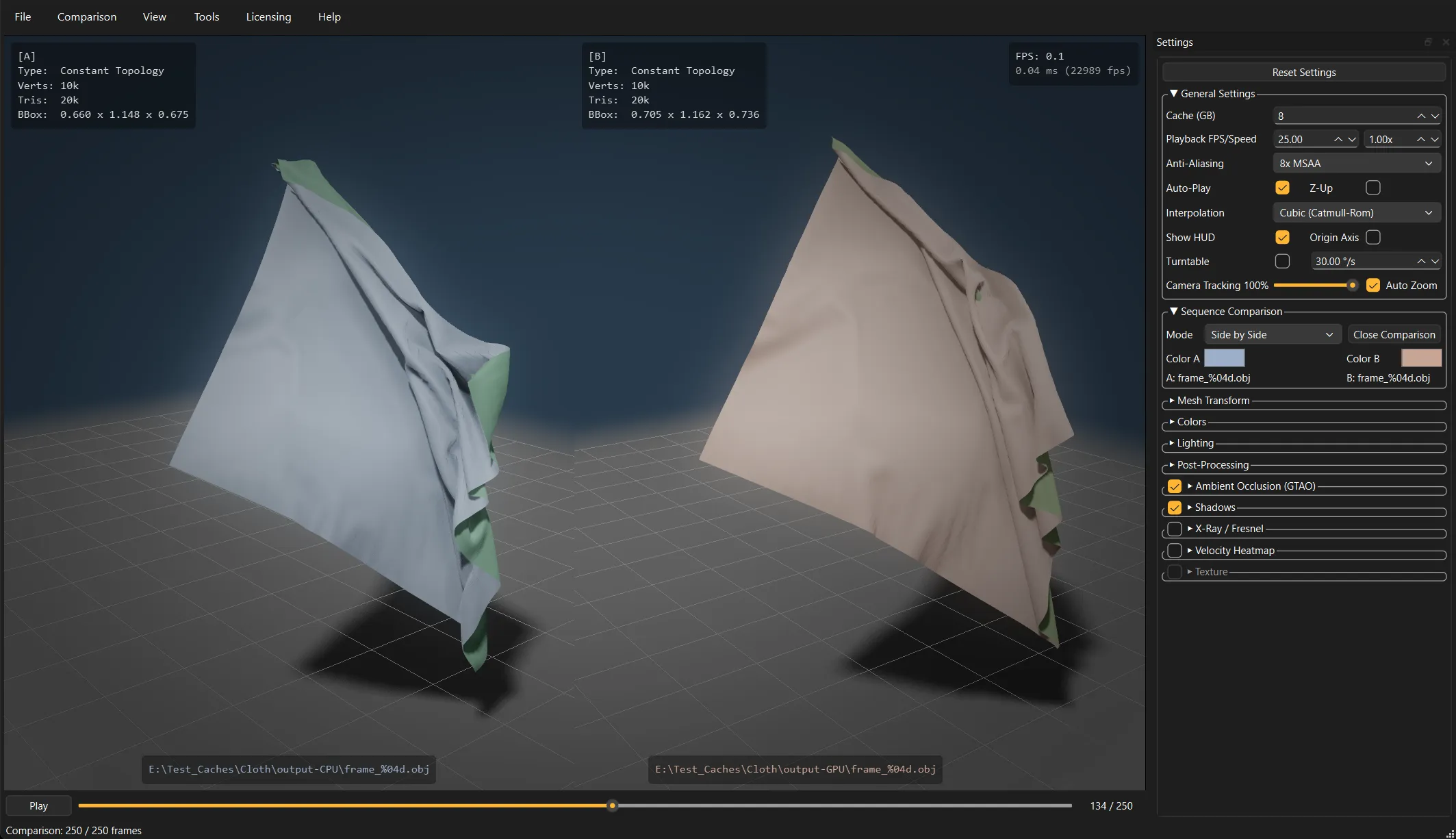
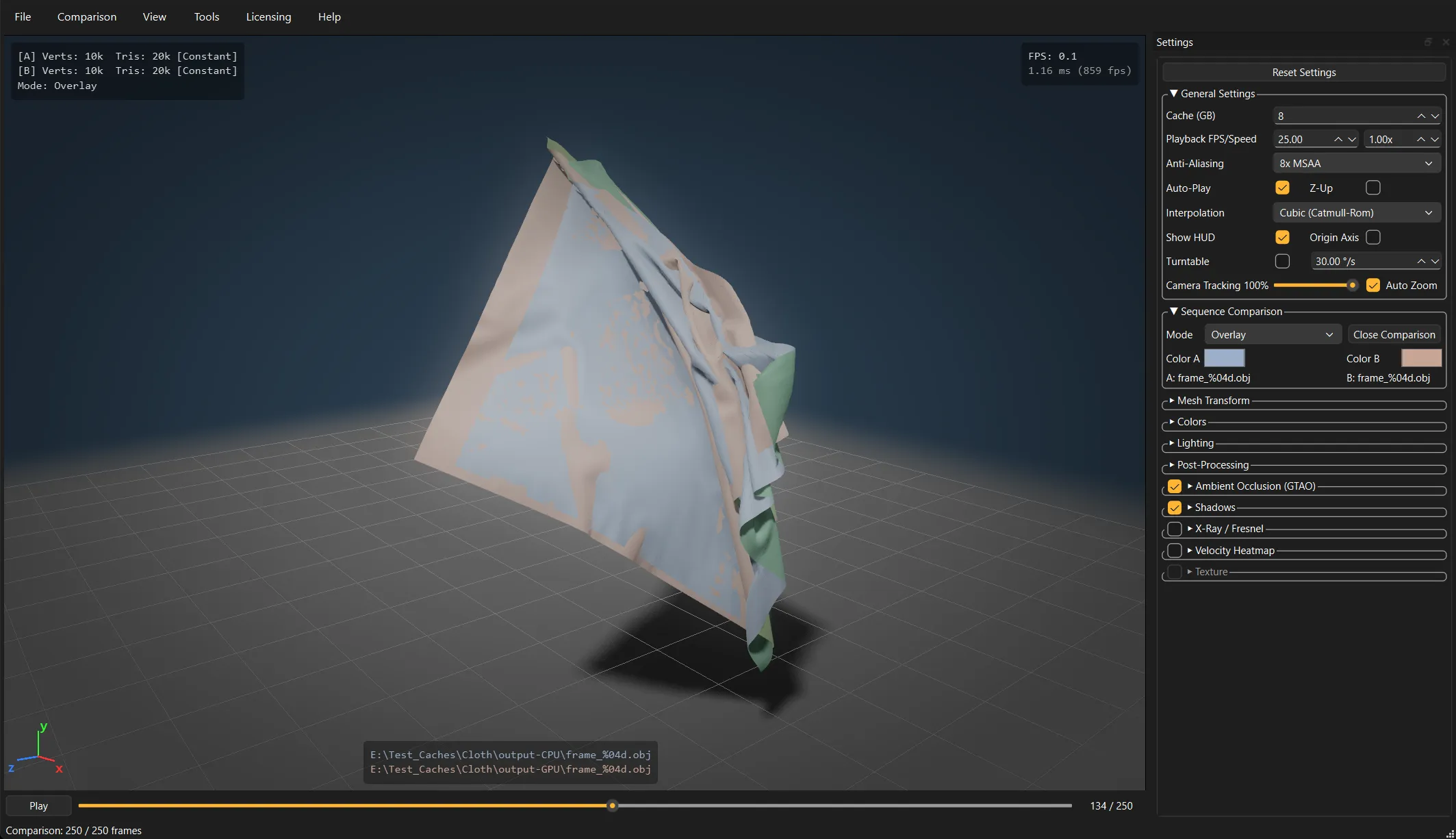
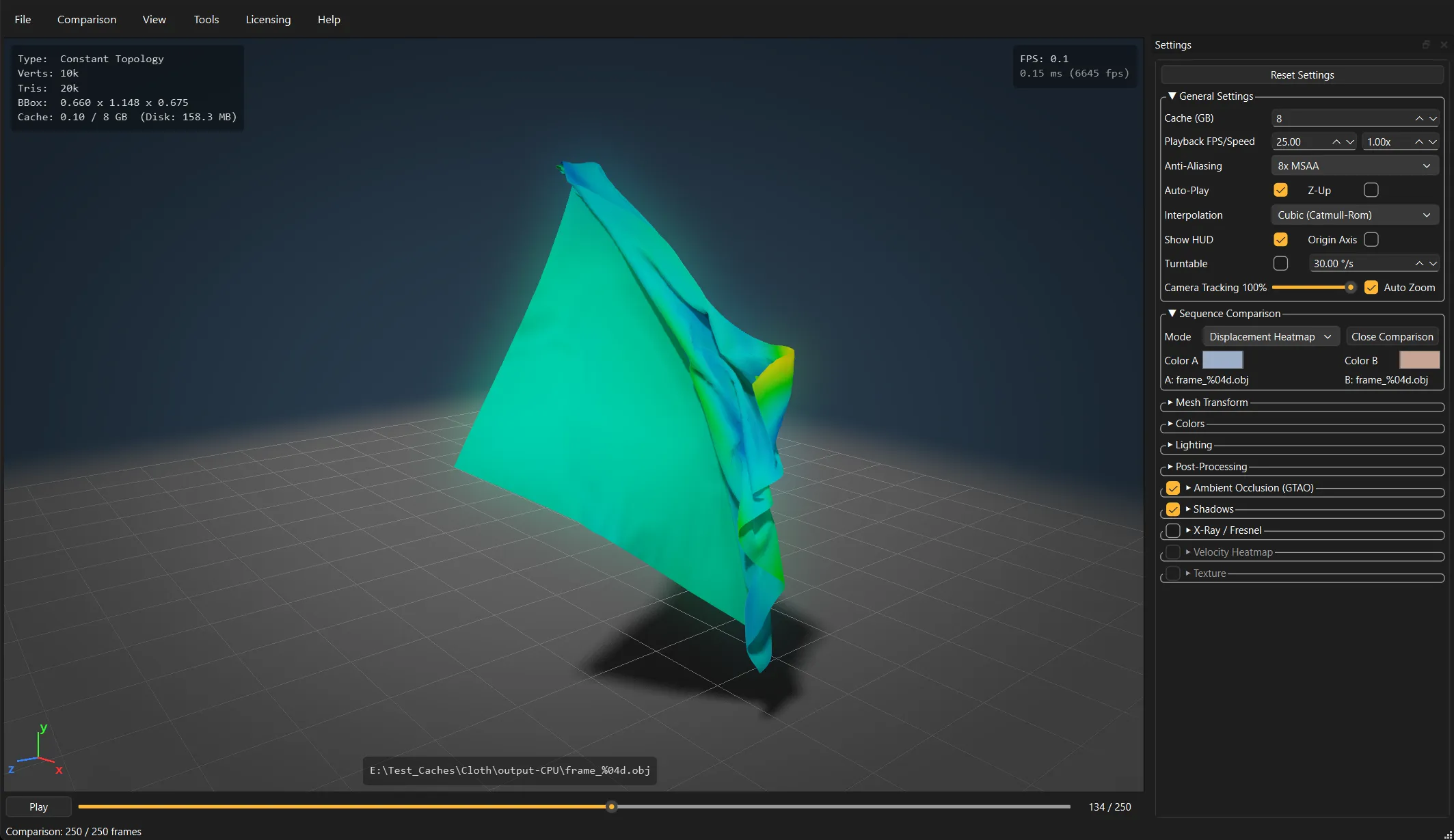
For comparing two versions of a cache (before/after a fix, two solver settings), load them side by side in synchronized playback, overlay them with color tinting, or show a displacement heatmap of the per-vertex differences.
Cleanup and conversion
Crop volumes (box, cylinder, sphere) cut away capture-rig walls, floors or stray geometry directly in the viewport, each set to keep-inside or keep-outside and combined as a union, with gizmo handles for placement. Settings persist in a JSON sidecar next to the sequence. Mesh transforms cover flipping normals, mirroring UVs, translation, rotation and uniform scale.
All of it bakes into exports: convert between the supported formats with configurable normals, UVs and vertex colors, frame range selection, FPS retiming with interpolation, and numbering options for file-per-frame formats. Since cropping changes topology per frame, crops bake into the varying-topology formats (OBJ, PLY, Alembic, USD).
Video export writes MP4 (H.264), including turntable renders for rotating previews.
Command-line batch mode
A headless command-line mode runs conversions and video renders without the GUI, for pipeline scripts, batch jobs and render farms.
Licensing
There is one installer, and it doubles as the trial: without a license it runs in trial mode, and installing a license unlocks it fully. No separate downloads to juggle. In trial mode roughly the first second of playback is clean, later frames and all exports get visible glitch distortion, and a banner shows in the viewport. Every feature is otherwise available, so you can test the whole thing on your own files.
A license is perpetual: it never expires, and updates are free. There is no maintenance plan for MeshCache Studio. How trials, evaluations and licenses work in general: see licensing.
Videos
More videos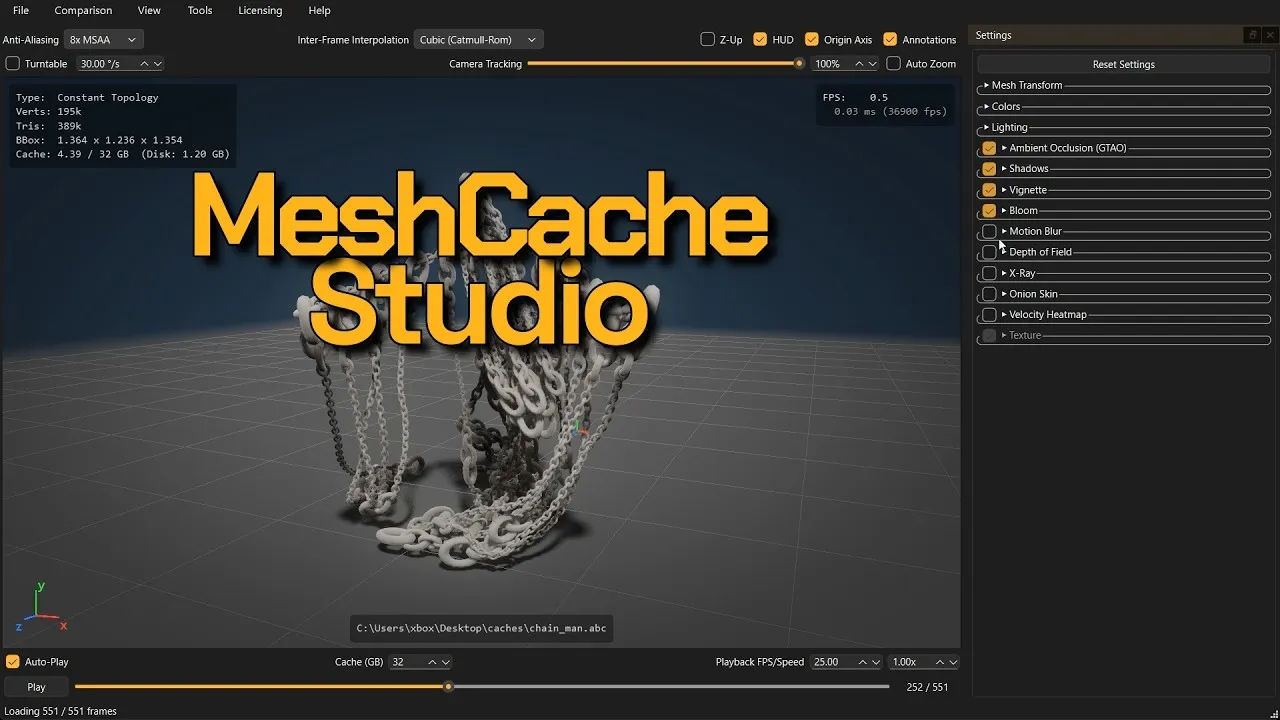
Screenshots
Exports
- Mesh caches: Alembic, OBJ, PLY, USD, PC2, MDD
- Video: MP4 (H.264)
Requirements
- Windows 10 / 11 (64-bit)
- macOS (Apple Silicon, M1 or newer)
- GPU: Direct3D 11 capable graphics card on Windows, Metal on macOS
- RAM: 4 GB minimum, 16 GB or more recommended for large sequences
- Disk: SSD recommended for fast sequence loading
Trial / Buy
Download
Without a license Roughly the first second of playback is clean, later frames and all exports get visible glitch distortion, and a trial banner shows in the viewport. Everything else works, so you can test all features on your own files.
Buy a license
- License $99 Shop
prices excl tax · perpetual license · free updates
How licensing works (trials, evaluation licenses, delivery).